A Guide to Evaluating Code Market Scripts for Custom Web Applications
Learn how to evaluate pre-built scripts, boilerplate code, and software components for custom web development projects while balancing technical debt, licensing, and maintainability.
Integrating pre-built code scripts, application templates, or micro-software modules into a custom web project can significantly shorten time-to-market. Instead of writing authentication flows, payment gateway integrations, or administrative dashboards from scratch, development teams often turn to digital marketplaces to acquire ready-made components. However, integrating third-party code requires careful evaluation to ensure it aligns with your application's architecture, security requirements, and long-term maintenance strategy.
Understanding the Trade-Offs of Pre-Built Code
Before purchasing or integrating a commercial script, it is important to evaluate the trade-offs involved. Acquiring pre-written software allows developers to focus on core business logic rather than standard infrastructure. However, pre-built scripts can introduce trade-offs regarding architectural alignment, code quality, and operational dependencies.
- Speed vs. Customization: Pre-built code accelerates early development, but adapting highly opinionated frameworks to non-standard requirements may require structural refactoring.
- Upfront Savings vs. Maintenance Costs: Purchasing a script reduces initial engineering hours, but ongoing maintenance, library updates, and security patches remain the project owner's responsibility.
- Feature Richness vs. Code Bloat: Off-the-shelf scripts often bundle features designed to appeal to a broad audience. Unnecessary features can increase application payload size and expand the attack surface if not properly pruned.
Key Evaluation Criteria for Commercial Scripts
When reviewing software assets on platforms like Estoremart, developers and project leads can reduce integration risks by systematically assessing several critical dimensions before purchase.
1. Software Architecture and Framework Alignment
Ensure the asset's technical stack matches your existing runtime environment and development skills. Key technical factors to check include:
- Language and Framework Versions: Verify that the script supports actively maintained versions of its underlying language or framework (for example, current releases of Node.js, Python, PHP, or React).
- Dependency Management: Review whether the script uses standard package managers (such as npm, Composer, or Pip) and modern modular structures, which simplify version upgrades and dependency tracking.
- Database Compatibility: Check whether data persistence layers use standard ORMs, raw query builders, or specific relational/non-relational database engines that fit your infrastructure.
2. Code Maintainability and Readability
Pre-built scripts are starting points, not unchangeable black boxes. Maintainability determines how easily your team can extend or debug the code. Consider these aspects:
- Formatting and Standards: Consistent formatting and adherence to community coding style guidelines make codebases easier to audit and update.
- Obfuscation vs. Source Access: Ensure the seller provides full, uncompiled source code rather than obfuscated binaries, unless you are specifically buying an encrypted module designed to run without modification.
- Inline Documentation: Clear comments explaining complex business logic or configuration variables help reduce developer onboarding time.
3. Technical Documentation and Setup Guides
The quality of documentation accompanying a commercial script often reflects the overall care taken during its development. Adequate documentation should include:
- Environment Requirements: Clear lists of required server configurations, language extensions, and database permissions.
- Installation Steps: Step-by-step guidance for setting up local development and production environments.
- API and Data Schemas: Explanations of exposed endpoints, data models, and hook systems if the asset is meant to integrate with external services.
Evaluating Security and License Compliance
Security and licensing are critical aspects of software procurement that require deliberate risk management rather than quick assumptions.
Managing Security Risks
No software component can be assumed to be fully secure out of the box. A checklist or purchase does not guarantee immunity from vulnerabilities. Instead, teams should implement standard verification practices upon acquiring third-party code:
- Static Analysis: Run automated static application security testing (SAST) tools against the codebase to spot common patterns like SQL injection, cross-site scripting (XSS), or hardcoded secrets.
- Dependency Auditing: Use dependency checking tools to identify known vulnerabilities (CVEs) in third-party libraries bundled with the script.
- Authentication and Access Controls: Manually inspect how user sessions, password storage, and permission checks are handled to ensure they align with industry standards such as OWASP guidelines.
Reviewing License Terms
Licensing determines how software can be modified, deployed, and redistributed. Different marketplace licenses grant different usage rights:
- Single-Use vs. Multi-Use: Verify whether a license allows deployment on a single client domain or across multiple commercial projects.
- SaaS and Redistribution: Check whether the seller's license terms permit incorporating the asset into a commercial Software-as-a-Service (SaaS) product where end users pay for access.
- Open Source Dependencies: Be aware that third-party open-source libraries included within a commercial script carry their own license terms (such as MIT, Apache, or GPL), which must be respected according to how the software is linked or distributed.
Integrating Marketplace Scripts into Your Development Workflow
Once you acquire a component from Estoremart, following a structured integration process helps prevent technical debt and simplifies long-term updates.
Step 1: Isolated Environment Testing
Deploy the acquired script in a clean, isolated local or staging environment before attempting to merge it into a main repository. Confirm that all core features operate as expected according to the provider's installation instructions.
Step 2: Version Control and Tracking
Commit the original vendor code into a dedicated git branch or repository before making local modifications. Keeping a clean commit of the original base version makes it easier to track custom changes, diff future updates from the seller, and revert unintended breaking changes.
Step 3: Refactoring and Removing Unused Modules
Disable or remove unused features, endpoints, or administrative modules included with the script. Trimming unneeded code reduces memory footprint, simplifies maintenance, and minimizes security exposure.
Designing a Post-Handoff Maintenance and Update Strategy
Delivering source code or a completed technical template is only the first phase of a successful transfer. Without a clear plan for ongoing maintenance, software rot can quickly set in as dependency trees evolve, security advisories are published, and underlying runtime environments change. Both authors and buyers benefit from establishing a baseline maintenance framework at the time of purchase.
Categorizing Software Changes
To keep a digital product stable after delivery, it is helpful to divide future technical modifications into three distinct buckets:
- Patch and Security Releases: Critical updates designed to fix vulnerabilities, resolve memory leaks, or patch regressions in third-party libraries. These changes should minimize structural changes to keep breaking risks low.
- Compatibility Updates: Non-breaking adjustments required when upstream runtimes, browser specifications, framework versions, or third-party APIs deprecate legacy behaviors.
- Feature Upgrades: Substantive architectural changes, database schema expansions, or UI redesigns that introduce new functional capabilities. These are typically managed as major version updates.
Structuring updates into clear version tiers helps buyers understand which upgrades can be safely applied to production environments and which require extensive staging tests.
Creating a Buyer Diagnostic Checklist Before Executing Updates
When acquiring complex digital assets, buyers should perform an inventory audit before applying updates or integrating custom modifications. Following a structured assessment prevents accidental data loss and reduces down-time during maintenance cycles.
- Audit Local Dependencies: Run package analyzer tools to inventory outdated or vulnerable sub-dependencies. Compare lockfiles against upstream release nodes.
- Establish Version Control Baselines: Commit the untouched vendor distribution code directly into a clean, dedicated repository branch (such as vendor-upstream) before introducing local customizations.
- Isolate Configurable Parameters: Verify that project secrets, environment variables, and tenant-specific configurations reside outside core framework modules to simplify future file merges.
- Run Regression Test Suites: Execute end-to-end and unit test suites across local build environments to confirm baseline operational functionality before altering core script files.
Building Maintainable Documentation and Code Organization
Sellers can improve the long-term usability of their digital assets by structuring code repositories to support seamless upstream merging. Clean separation between core library mechanics and end-user configurations ensures that buyers can update core files without overwriting custom business logic.
Architecture pattern: Keep core engine code in immutable module packages or distinct core directories, exposing hook systems, configuration objects, or override directories for user-specific customization.
Including detailed changelogs, migration guides, and explicit version requirements within repository releases helps buyers evaluate potential impact before applying an update. Clear documentation reduces support friction and builds long-term confidence when sourcing digital products on platforms like Estoremart.
Conclusion
Sourcing quality scripts and pre-built code components provides an efficient pathway to launch digital products faster. By systematically evaluating architectural fit, code readability, licensing terms, and security baselines, teams can maximize the benefits of commercial code while maintaining control over their software's long-term health. Explore available developer assets and software building blocks on Estoremart to support your next application build.
Related articles
Continue exploring more articles from the Estoremart blog.

How to Audit a Digital Asset Blueprint Before Making a Purchase
Learn how to evaluate digital assets, source code, design systems, and automation scripts before purchasing. This practical audit framework helps buyers verify quality, security, and maintainability.
Choosing the Right SaaS Boilerplate for Your Next Web Application
A practical framework for evaluating production-ready starter kits, tech stacks, and architecture blueprints to accelerate software launch timelines.
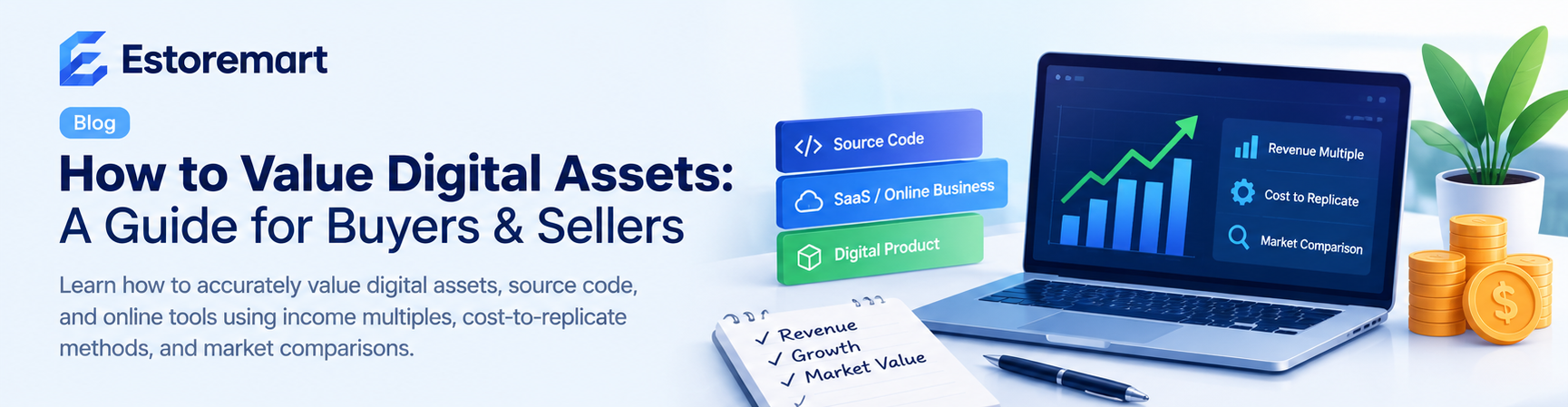
How to Value a Digital Asset Before Buying or Selling Online
Learn practical methods to accurately value digital assets like code scripts, design templates, and online stores before entering a marketplace deal.